
- Downloads
Download DiveWP now
Go to the Plugins menu in your WordPress admin, search for DiveWP and install it from the official WordPress repository.
- Free, GPLv2
- WordPress 6.0+ · PHP 7.4+
- Version 3.0.0 · Tested up to WordPress 7.1
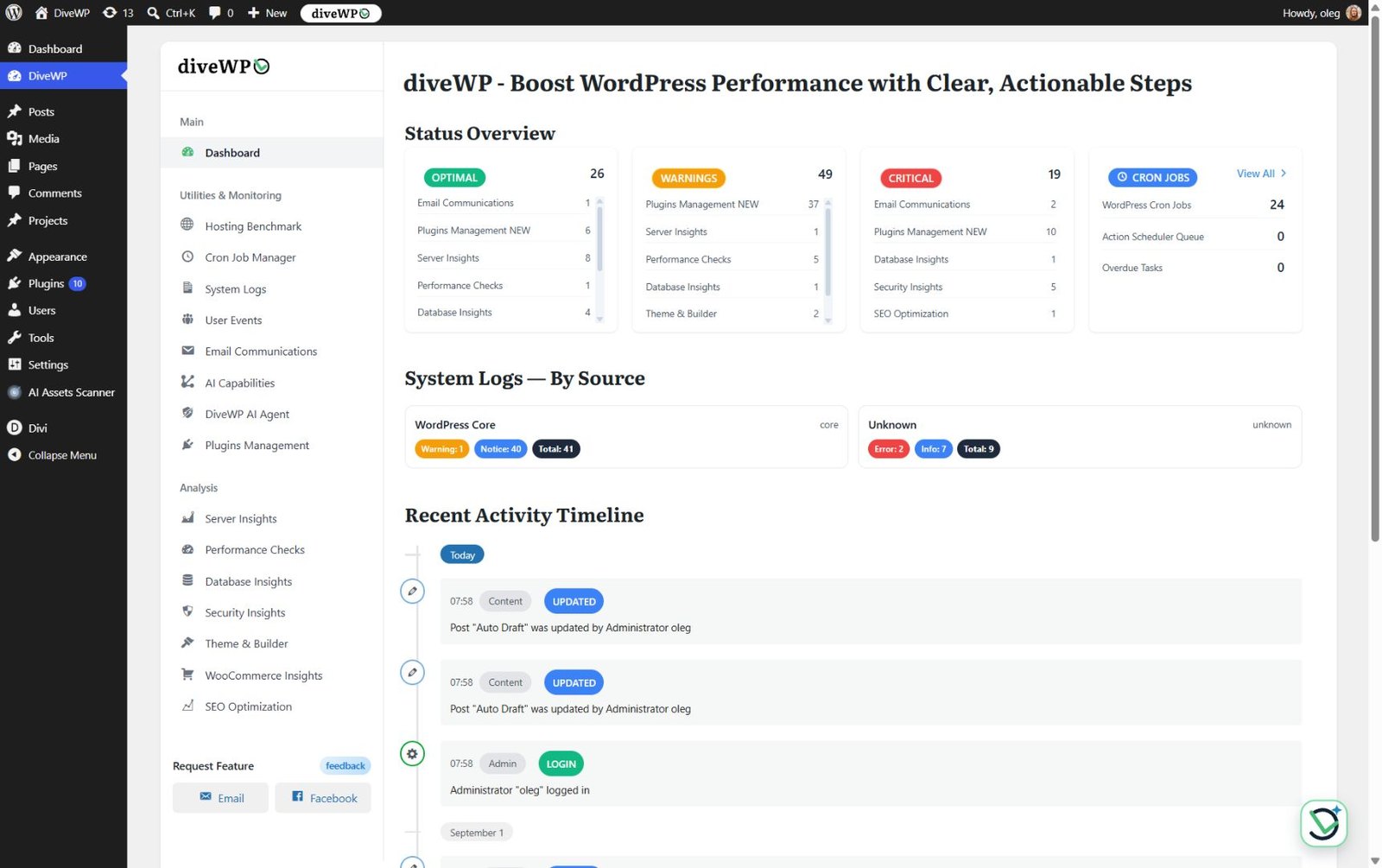
wp-admin › DiveWP › Dashboard
- Instructions
Install DiveWP in three steps
1
Find DiveWP
In wp-admin, open Plugins › Add New and search for DiveWP.
2
Install and activate
Install DiveWP from the official WordPress.org repository, then activate it.
3
Open DiveWP
Open DiveWP from the admin menu and run your first site check.
- FAQ
Frequently asked questions
Can't find your answer? Read the docs or get in touch.
Do I need technical knowledge?
Not at all. DiveWP explains everything in plain English and guides you through each step.
Is WooCommerce required?
No. WooCommerce checks and log sources appear only when WooCommerce is active.
Will this modify my site settings?
Diagnostics are read-only. DiveWP changes your site only when you ask: plugin activation, updates and rollback in Plugins Management, or plugin and theme updates from AI Agent chat. Approval mode is the default, and each change is permission-checked, verified and logged.
Will this plugin slow down my site?
Most analysis runs in wp-admin. Activity, email and cron monitoring, log retention and optional AI features use WordPress hooks only when they are active.